How to Use NotesIQ
Last updated: September 25, 2026
This walks through every tab in NotesIQ, in the order you'll actually use them — from installing the extension to drafting with AI Coach. Screenshots are from the real extension, not mockups.
Install and unlock
- Install NotesIQ from the Chrome Web Store — it's free to install.
- Open any page on substack.com and click the NotesIQ icon to open the side panel.
- The full app is locked until you enter a license key (there's no free tier). If you haven't bought one yet, the unlock screen links to notesiq.app/#pricing.
- Paste your Lifetime or AI Pro key into the unlock screen — either one unlocks the full dashboard, scheduling, and every tab below. AI Coach specifically also needs an AI Pro key.
No account or sign-up is needed anywhere in this process — NotesIQ reads your Notes through your existing, already-logged-in Substack session.
My Notes — your dashboard
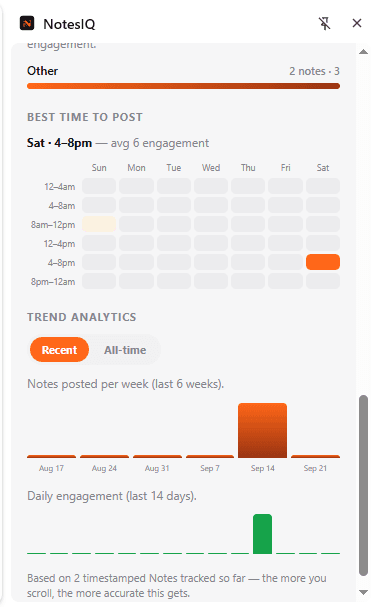
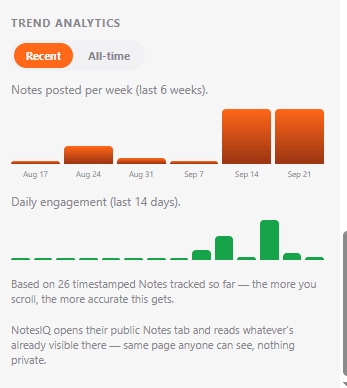
The first tab you'll see. Every Note you've tracked, ranked by engagement, with your day streak, total likes/restacks/comments, and a Content Type Breakdown showing which kind of Note (Personal Story, Question, List/Tips, Quote/Repost) actually works for your audience.
Community Feed
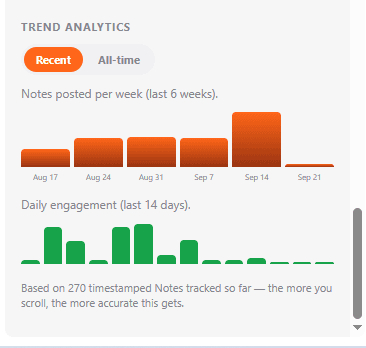
Aggregate analytics across every Note you scroll past on Substack — not just your own. Useful for spotting what's generally working in your niche while you browse normally.
Compose and Queue — posting and scheduling
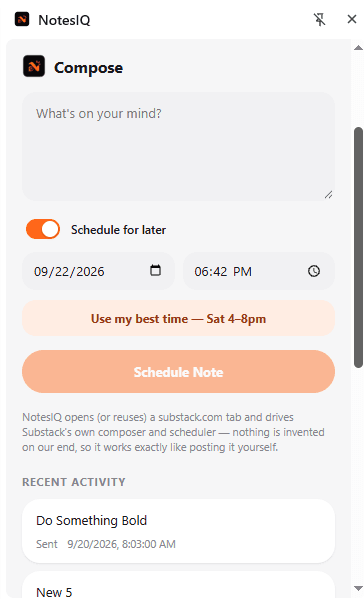
Compose posts or schedules a single Note through Substack's own native composer — NotesIQ drives it, so it publishes exactly like a Note you wrote by hand.
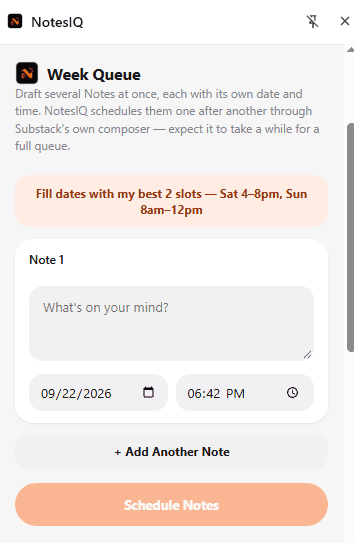
Queue lets you load up a whole week's worth of Notes at once, with one-click best-time autofill from your own Heatmap, so you're not composing live every day.
Competitor Analysis
Look up any public Substack handle to see their content mix, posting patterns, and best times — no need to scroll through their whole history manually.
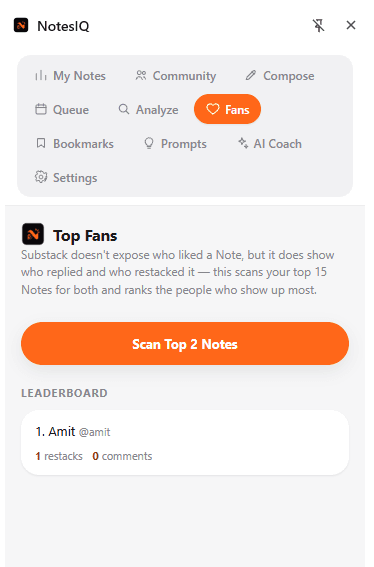
Top Fans
A leaderboard of who restacks and comments on your Notes the most — the readers most likely to become paid subscribers, and worth a direct thank-you or reply.
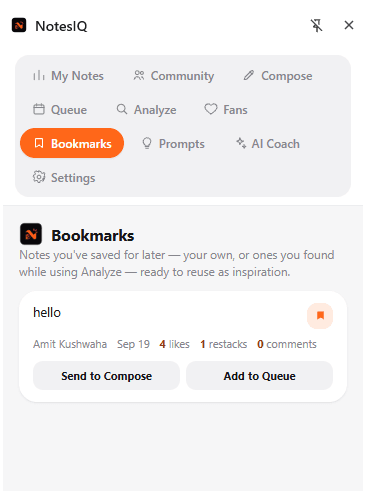
Bookmarks
Save any Note — yours, a competitor's, or one from your feed — for later. One click sends a bookmarked Note straight to Compose or the Queue.
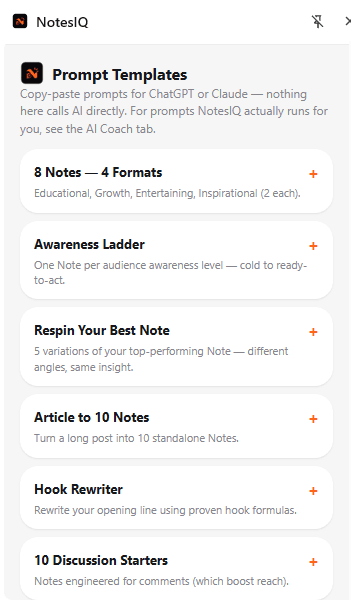
Prompt Templates
8 ready-to-copy prompts for ChatGPT or Claude — some pre-filled with your own best-performing Notes — for when you want to draft outside NotesIQ's own AI Coach.
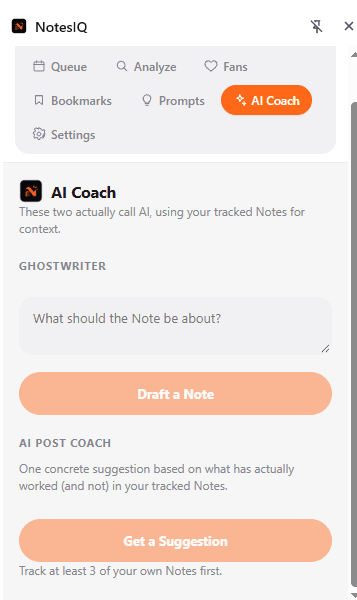
AI Coach (Ghostwriter + Post Coach)
Requires an AI Pro key ($9/mo add-on, separate from Lifetime). Two tools live here:
- Ghostwriter — give it a topic, and it drafts a new Note in your own voice, based on your best-performing Notes.
- AI Post Coach — one concrete, data-grounded suggestion for what to write next, based on your content-type performance and current streak.
Settings — backup, billing, and license
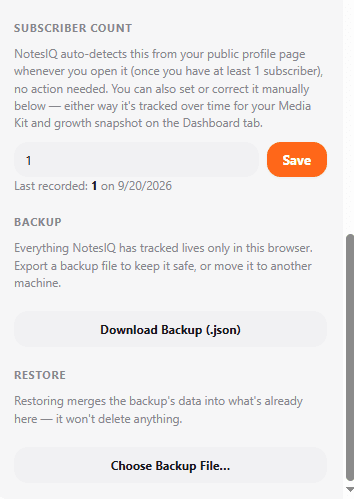
Three things live here worth knowing about:
- Backup & export — full JSON backup/restore, CSV export, and a Media Kit export for sponsor pitches.
- Manage Billing — links to the payment provider's customer portal to cancel or manage an AI Pro subscription. "Remove License Key" only removes access on that device — it does not cancel billing.
- License management — activate, switch, or remove your Lifetime and AI Pro keys.
Questions?
Check the FAQ or reach out on @amitkushh on X. NotesIQ is an independent tool and isn't affiliated with Substack.